
Show summary Hide summary
That Small Change in Word That Suddenly Felt Suspicious
I was editing a draft in Word when a notice about Kindle appeared. At first, it looked like a routine feature tip. However, a moment later an email landed in my inbox about a supposed platform update on the same topic, but with a very different tone.
The genuine change is straightforward. Microsoft is quietly retiring the Word option that let you send a document directly to a Kindle device. In other words, the Send to Kindle button is disappearing from the ribbon. That is the entire change. There is no new bill, no extra fee, and no update to your payment method required.
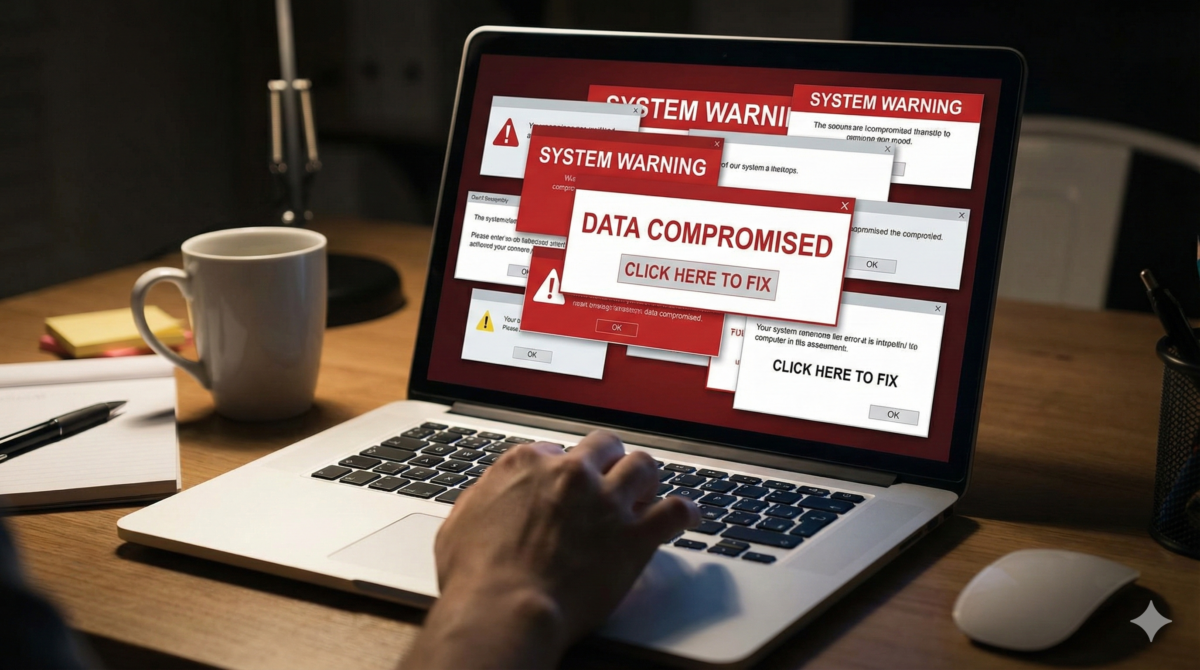
Yet the email I received insisted that I had to confirm my Amazon sign-in or risk losing access to the Send to Kindle feature. I almost clicked the big yellow button. Because the timing lined up so neatly with the real Word change, this scam type felt oddly convincing.
Hacker forum implodes and leaks its own secrets. Why your private data may be next
Microsoft Just added a ‘kill switch’ for Copilot. What are they afraid admins will discover?
Instead, I slowed down and checked the sender’s domain, then took a quick screenshot of the email. After that, I went back to the official article about Word and Kindle to compare dates and wording. Once I looked carefully, the contrast between the two was obvious.
So yes, the feature is being retired, but the scary emails surrounding it are something else entirely. Below, I will walk you through the red flag clues that helped me separate the real change from the fake noise.
The Signs This Word-Kindle Message Is Not Legitimate
- A sender email address that looks almost like Amazon or Microsoft, but includes an extra word, number, or odd spelling.
- A subject line that screams urgency about your Kindle account or your Word license “expiring today” or “within hours.”
- Claims that you must pay a special fee to keep Send to Kindle active, even though the real change does not cost anything.
- Links that reveal a long tracking URL or unfamiliar domain when you hover over them, with no clear amazon.com or microsoft.com at the end.
- Requests for full card details or a new payment method “to avoid losing documents” or “to keep your library safe.”
- Threats that all your Kindle books will be deleted if you ignore the message, which does not appear anywhere in the official announcement.
- Vague references to a Word upgrade or “system enhancement” with no version number, date, or link to a trusted release note.
- Strange grammar, random capital letters in the middle of sentences, and slightly off phrasing when describing the platform or the feature.
- Attached files that claim to be a Word update, Kindle connector, or “security patch” you must install.
- A support phone number that does not match anything on the real Microsoft or Amazon support pages.
The Careful Checks That Expose Fake Word-Kindle Alerts
- Step 1. Spend one minute reading the official Microsoft notice about the Word feature and its retirement date. Then compare the exact wording. If your email adds threats, countdowns, or money demands, you are seeing a fake. This step anchors you in what is truly changing—and what is not.
- Step 2. Hover your mouse over every URL in the message before clicking anything, and wait a few seconds. Check whether the address actually ends with microsoft.com or amazon.com. Any extra words, random letters, or unusual country codes are strong warning signs.
- Step 3. Open a fresh browser tab yourself and go straight to Amazon and Microsoft by typing the addresses in. Then sign in from there. If you do not see any alert banner or warning inside your accounts within a few minutes, the email is probably a scam type.
- Step 4. Copy the exact subject line or a distinctive sentence from the message, put it in quotes, and search for it online. In just a couple of minutes, you will often find other users who have posted proof that the same text is being used in a phishing campaign.
- Step 5. Check your recent Word updates through your official Microsoft account and the Office update history. This takes only a short time, yet it confirms whether any real change to the Send to Kindle feature has been announced in the app itself.
- Step 6. If the alert claims you have only a few hours or minutes before a deadline, pause and note the time. Real product retirements are usually announced weeks or months in advance, not under last-minute countdown pressure.
- Step 7. Contact support only through the official pages on microsoft.com or amazon.com, not through any number listed in the email. Ten minutes with a verified platform support channel is far safer than a single rushed click.
- Step 8. Capture a clear screenshot of the suspicious message, including the sender’s address, the timestamp, and the visible links. Then save it in a safe folder. Later, it can help you file a report or warn colleagues, friends, or family.
- Step 9. Finally, scan your inbox for similar messages received around the same time. A quick review often reveals a pattern, multiple near-identical emails, which confirms a coordinated phishing scam type rather than a personal account notice.
What to Do Now If You Clicked or Even Paid
If you already clicked a link, close that tab immediately, then run a full scan with your security software. Afterward, check the recent sign-in activity on your Amazon and Microsoft accounts for unknown logins or locations. If anything looks suspicious, sign out of all devices remotely and sign back in with new credentials.
If you entered your login details, change those passwords first, before touching email or other services. Then enable multi-factor authentication on both platform accounts. After that, review your recovery phone number and backup email in case those may also have been exposed.
If you submitted card details or made a payment, contact your bank or card issuer right away. Ask them to monitor, block, or replace the card to prevent unauthorized charges. Keep every email, screenshot, and bank alert as dated evidence in case you need to dispute transactions or file a formal complaint.
Once you have stabilized your accounts and finances, report the attempt. In the UK, you can forward phishing emails to the National Cyber Security Centre’s reporting address. In the US, you can file a report with the FTC as well as your state consumer protection authority. It may feel tedious, but these reports do help others.
The Small Reflex That Keeps Word Changes Safe
Whenever you see a real product change announcement, especially one involving Kindle or Word, adopt one simple reflex: go to the official platform site yourself instead of trusting any link in your inbox. This extra moment strips away most of the risk.
In this case, the clearest red flag was the urgent demand for confirmation and payment to keep using a feature that is simply being retired. Genuine notices from Microsoft about Send to Kindle do not ask for card details or last-minute fees.
Next time, a different convenience feature might disappear from Word, or a new Kindle option might be introduced. The pattern will be similar, though. Real news will appear first on the official site, while noisy scam type messages will try to exploit the confusion around the change.
Share this with anyone who reads documents on a Kindle or spends much of the day working in Word. A brief warning now can prevent a frantic report later and it can keep one more inbox free of expensive surprises.
FAQ
What is the actual change to the Word-Kindle integration?
Microsoft is retiring the Word feature that allowed you to send a document directly to a Kindle device. The Send to Kindle button is being removed from the Word ribbon, and there are no new fees or billing changes associated with this.
How can I recognize fake emails about the Word-Kindle change?
Warning signs include slightly altered sender addresses, urgent subject lines, demands for payment or card details, threats about losing Kindle books, strange grammar, unfamiliar links when you hover, attachments claiming to be updates, and support phone numbers that do not match official Microsoft or Amazon contacts.
How should I verify whether a Word-Kindle email is legitimate?
Compare the email with the official Microsoft notice about the feature retirement, hover over links to check that they end in microsoft.com or amazon.com, and then independently visit and sign in to your Microsoft and Amazon accounts in a new browser tab to see if any matching alerts appear there.
What steps should I take if I clicked a suspicious link or entered my login details?
This terrifying US stalkerware case just exposed a global surveillance nightmare
Big tech just turned on you : why your favorite platforms are about to become your biggest threat
Close the tab, run a full security scan, then review recent sign-in activity on your Amazon and Microsoft accounts. Change your passwords immediately, enable multi-factor authentication, and confirm that your recovery phone number and backup email are correct and secure.
What should I do if I provided payment information or paid money in response to such an email?
Contact your bank or card issuer right away to monitor, block, or replace the card and prevent unauthorized charges. Keep all related emails and screenshots as evidence, and file reports with the appropriate consumer protection or cyber security authorities in your country.
Glossary
- Kindle. Amazon’s family of e‑reading devices and apps used to buy, download, and read digital books and documents. In this context, Word previously offered a shortcut to send documents directly to a Kindle device or app.
- Microsoft. A major technology company that develops software and services, including Microsoft Word and Office. Here, it is the provider of the Word feature that allowed documents to be sent directly to Kindle.
- Amazon. A global e‑commerce and technology company that operates the Kindle ecosystem. It manages Kindle accounts, devices, and digital libraries, and is often impersonated in phishing emails related to account access or payment details.
- Feature. A specific capability or function within a software application. In this article, the feature is Word’s “Send to Kindle” option, which is being retired but does not involve any new fees or billing changes.