Show summary Hide summary
That moment when password emails start to feel wrong
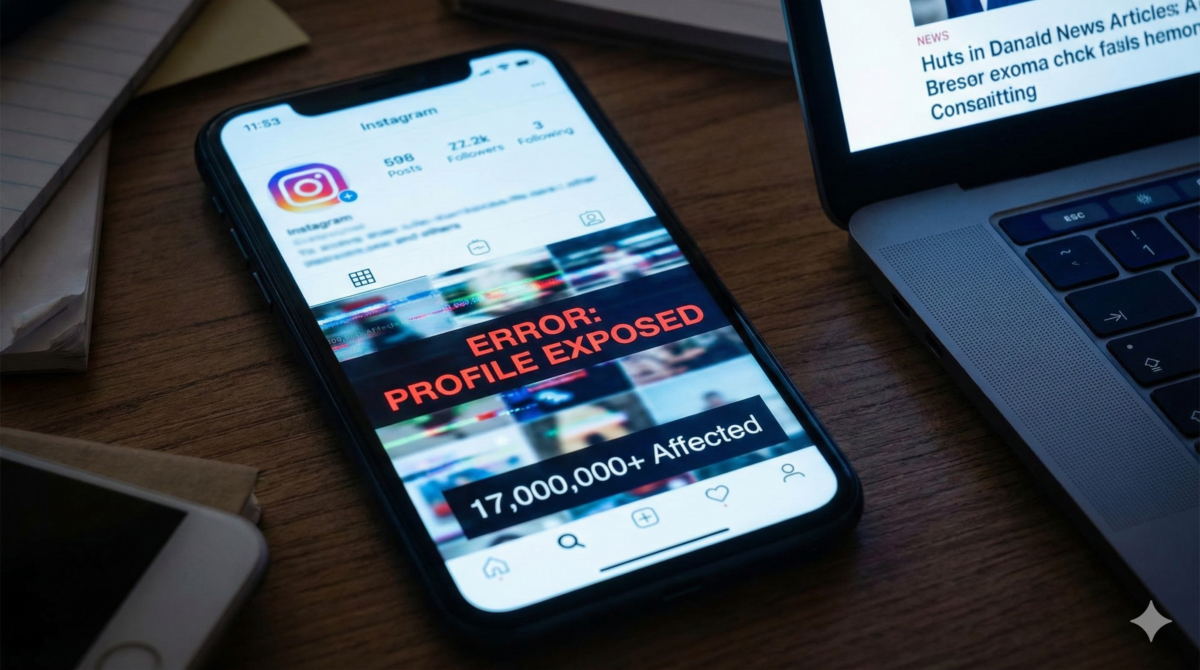
Some evenings you are just scrolling, half-distracted, when your inbox suddenly starts lighting up. One Instagram password reset email lands, then another, then several more in a row. All for the same account, even though you have not touched the settings. That is where this whole story about 17 million profiles really begins.
Meanwhile, on a hacking forum, someone is loudly claiming to sell data from 17 million Instagram accounts. They talk about email addresses, maybe phone numbers, and bits of profile information, all supposedly scraped. Together, that would be enough to run a large-scale phishing scam type and scare a lot of people.
In that moment, it is natural to wonder whether your own account has been breached and to feel the urge to click that reset link immediately. The reflex to “fix it fast” is strong. However, something about the timing, the sheer volume, and the identical wording of the emails feels wrong. So instead of reacting on impulse, you pause before taking any verification action.
Hacker forum implodes and leaks its own secrets. Why your private data may be next
Microsoft Just added a ‘kill switch’ for Copilot. What are they afraid admins will discover?
Shortly after, Instagram explains that a bug allowed attackers to trigger multiple reset emails through the public API. The company states that the issue has been fixed. At that point, you note the dates, keep one email as proof, and carefully check that the sender domain really matches the official service.
This mix of a noisy leak claim and a genuine bug is confusing, and it creates exactly the kind of grey zone scammers love. Therefore, it is worth breaking down the clear red flags you can watch for and the calm checks you can run on your side.
The signs something about the leak story is off
- Endless Instagram password reset emails arrive that you never requested, sometimes several within the same minute.
- Reset messages push you to act “immediately” and warn about a vague security deadline without giving real detail.
- Links inside the emails lead somewhere other than an official instagram dot com domain when you hover over them.
- A supposed database is advertised on a hacking forum with no solid proof, only partial screenshots and dramatic numbers.
- The seller claims to have fresh 17 million records but only shows tiny samples that could easily be old scrapes.
- Forum users openly question whether the data is real while the seller avoids simple verification action requests.
- News of a fixed bug is twisted into marketing for the sale, as if a technical glitch meant full account compromise.
- There is no matching wave of confirmed user reports about mass account takeovers tied directly to that leak.
- Reset emails look visually correct yet land in spam or come from a sender with a slightly altered URL.
- The listing mentions email and phone numbers but no passwords, which strongly suggests scraping rather than a full breach.
The simple controls that expose the weak leak claims
- Step 1. Within the first ten minutes, open one reset email and examine the sender domain with care. Then hover over the reset link without clicking. If it does not point to an instagram dot com or facebook dot com address, treat it as a phishing attempt.
- Step 2. Within fifteen minutes, sign in to Instagram only through the official app or by manually typing instagram dot com into your browser. Next, check the login activity section for unknown devices or strange locations. This shows whether anyone actually tried to use a reset.
- Step 3. Over the next half hour, search for news about the supposed leak on trusted platforms and security sites. Look specifically for statements from Meta. If all you can find is a forum thread and a seller’s post, the story is probably exaggerated marketing.
- Step 4. If you do locate the hacking forum listing, read the comments for at least thirty minutes. Pay attention to whether potential buyers ask for a sample and whether the seller provides verifiable proof or keeps dodging direct checks. Prolonged silence is very telling.
- Step 5. During the same period, compare any sample data shown by the seller with public profiles. If every username is already public and trivial to find, the so-called leak may just be a mass scrape of open pages.
- Step 6. Within one hour, enable two-factor authentication in your Instagram security settings. Whenever possible, use an authenticator app instead of SMS. This way, even if someone forces a password reset, they still cannot log in easily.
- Step 7. Later that day, check whether your email appears in recent breach databases using a reputable platform such as Have I Been Pwned. Note the breach names and dates carefully. If nothing new shows up, the 17 million claim is likely just noise.
- Step 8. Over the next day, keep an eye out for new phishing emails that mention Instagram, especially those asking for card details or payments. Take a quick screenshot of anything suspicious, then delete it from your inbox and trash.
- Step 9. Finally, within twenty-four hours, review the list of connected apps in your Instagram account. Remove any unfamiliar app or service. By doing this, you close side doors that attackers might try to use if they had partial data.
What to do now if you clicked or even paid
If you have already clicked a suspicious reset URL, stop there and close the browser tab immediately. Then go straight to the official app or site, change your password from that safe place, and log out of all devices. Afterward, run a quick security scan on your device for peace of mind.
If you entered your login details on a fake platform, change that Instagram password first. Then change the password for your email, followed by any other account that reused it. After that, turn on two-factor authentication everywhere you can. Additionally, note the exact time and details of the scam type to help with later checks.
If you actually sent money because of a fake security alert, contact your bank or card issuer immediately. Clearly explain that this was a social engineering scam type and ask whether a chargeback is possible. Keep every email, screenshot, and transaction ID you have as proof.
After that, submit a formal report to your national authority. In the UK, that is Action Fraud. In the US, you would contact the FTC and the FBI Internet Crime Complaint Center. It may feel tedious, yet these reports help investigators map the real channels scammers are using.
The reflex to keep when password emails pile up
The safest reflex is very simple. Whenever an unexpected Instagram password reset email appears, ignore the link inside it. Instead, open the app directly or type the official address yourself. Then check your account from there. This small pause breaks most of the scam type chain.
In this story, the most useful red flag is the gap between the noise and the evidence. Huge numbers are shouted on a forum, yet only a handful of confirmed victims appear. That mismatch should immediately nudge you to slow down and look for an official report before reacting.
Next time, the script may change slightly. You might see a fake Instagram support email about copyright, a direct message with a login link, or even a phone call pretending to “verify” your account. However, the core trick stays exactly the same.
So keep this pattern in mind, share it with anyone who spends more time on Instagram than they admit, and maintain your own quiet routine of small verification actions. With a few calm checks, that scary 17 million figure turns back into what it probably was all along: just another headline.
FAQ
Why did I suddenly receive multiple Instagram password reset emails I didn’t request?
A bug in Instagram’s public API allowed attackers to trigger multiple legitimate reset emails to users. Attackers and scammers then tried to exploit this noise to push phishing links and sell dubious “leak” data.
How can I tell if an Instagram password reset email is phishing?
Carefully check the sender domain and hover over the reset link without clicking; it must point to an official instagram.com or facebook.com address. Be wary of urgent language, vague deadlines, altered URLs, or emails that land in spam despite looking visually correct.
Does the claimed leak of 17 million Instagram accounts mean my account is fully compromised?
The listing appears to involve scraped public data such as emails and phone numbers, not passwords, and lacks solid proof. There has been no matching wave of confirmed mass account takeovers directly tied to that specific 17 million record claim.
What should I do to check and secure my Instagram account right now?
This terrifying US stalkerware case just exposed a global surveillance nightmare
Big tech just turned on you : why your favorite platforms are about to become your biggest threat
Log in only via the official app or by typing instagram.com yourself, then review login activity and connected apps for anything unfamiliar. Enable two-factor authentication—preferably with an authenticator app—and monitor for new phishing emails mentioning Instagram.
What actions should I take if I clicked a fake link or even paid a scammer?
If you entered credentials, immediately change your Instagram and email passwords and enable two-factor authentication, then run a security scan on your device. If you sent money, contact your bank or card issuer at once to report a social engineering scam and request possible chargeback, and file a report with your national cybercrime authority.
Glossary
- Instagram. A social media platform owned by Meta where users share photos, videos, and stories. It uses user accounts with login credentials and security features like password resets and login activity monitoring.
- Password reset email. An automated message sent by an online service that contains a link or instructions to change your password. It should only appear when you request it and must come from the service’s official domain.
- Phishing. A type of online scam where attackers send fake messages or links that imitate trusted services to trick people into revealing passwords, personal data, or other sensitive information.
- Public API. A documented interface that allows external software to interact with a service’s features or data. If poorly protected, it can be abused to trigger actions like mass password reset emails.